
Guide · ready-to-copy prompts
Claude designs your 3D parts with SolidCraft.
Step-by-step setup to connect Claude Code with SolidCraft, the free, open-source CAD app, and 3 prompts for your first part (phone stand, box with lid and hook). Full guide to read here; the PDF and editable prompts download with your free account.
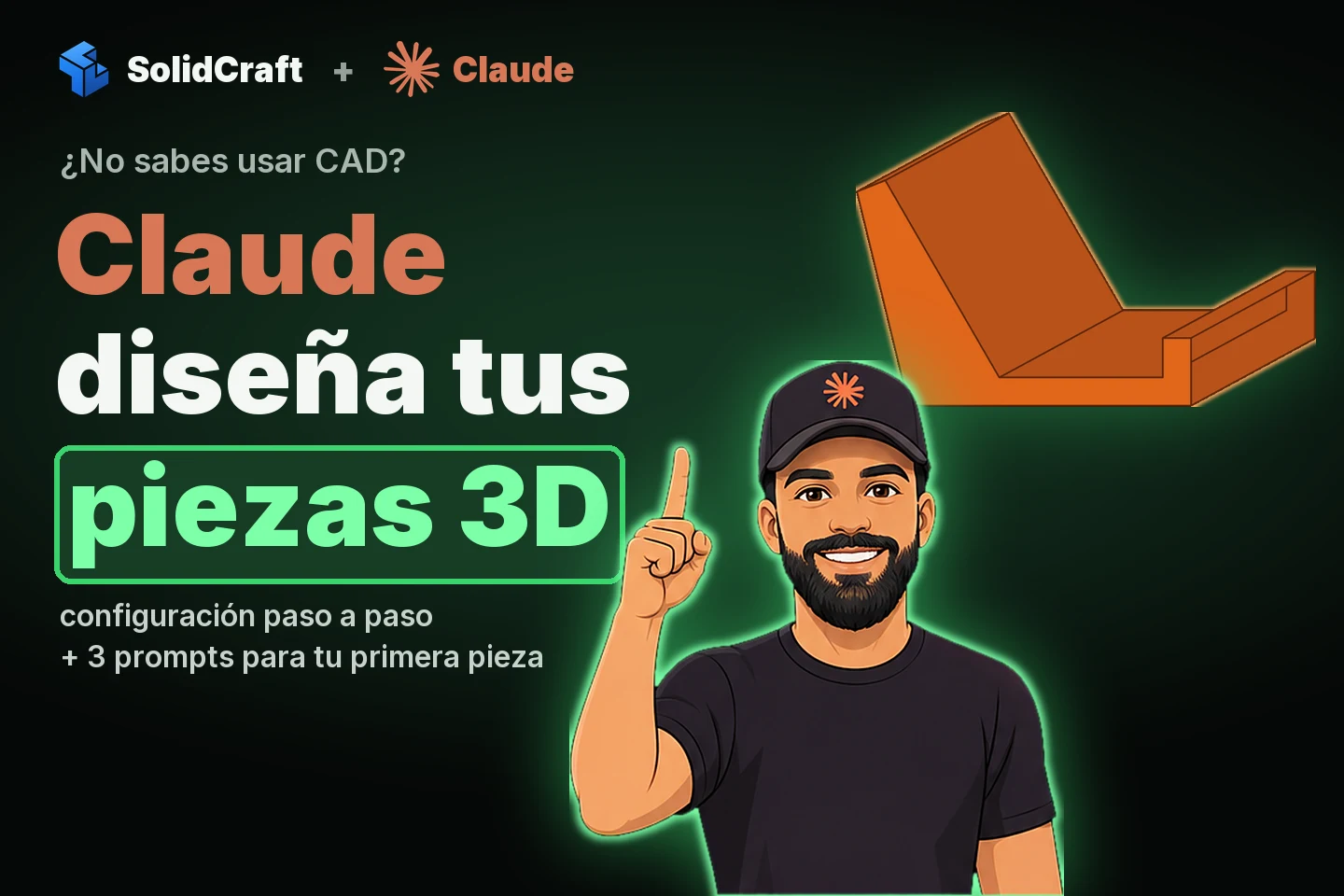
Want to 3D print but CAD holds you back? With SolidCraft (a free, open-source CAD app) and Claude Code, you describe the part and Claude draws it, measures it and leaves it ready for the slicer. Here's the step-by-step setup and 3 prompts for your first part. Below you download the PDF and the prompts in an editable file (both in Spanish).
1What you need
| SolidCraft | Free, for Windows, macOS and Linux (it also works in the browser). Current version: 0.45.0. |
| Claude Code | Claude's assistant in the terminal. You need a Claude account with Claude Code access. |
| A slicer | The program you already use to print (Cura, PrusaSlicer, Bambu Studio, Orca…). |
2Step 1 · Install SolidCraft
- Windows: download the installer. The file isn't signed yet, so Windows may warn you: click More info and then Run anyway.
- Mac: download the disk image (works for Apple Silicon and Intel). It's signed and notarized by Apple, and opens like any app.
- Linux: AppImage, or
sudo snap install solidcraft.
Installing it also installs solidcraft-cli, the program Claude uses to talk to the app.
3Step 2 · Connect Claude Code with a single command
Open the terminal and paste:
claude mcp add solidcraft -- solidcraft-cli mcpIf the terminal says it can't find solidcraft-cli (it happens with old Windows installers), use the full path:
claude mcp add solidcraft -- "C:\Program Files\SolidCraft\solidcraft-cli.exe" mcpAnother way: in the app, Help > Connect AI assistants… sets it up on its own.
4Step 3 · To watch Claude model live
Without this step, Claude works "blind" (no window) and still hands you the file. If you want to watch it draw the part in the app:
- Open SolidCraft.
- Go to Preferences > Assistant > Agents through MCP and turn on "Let AI agents connect".
- Open Claude Code (
claudein the terminal). It connects by itself to the open app.
5Step 4 · Your first part: 3 prompts
Paste them as they are into Claude Code. Change the measurements to your own.
1. Phone stand
Use SolidCraft to design a desktop phone stand, tilted at 60 degrees. Base of 80 x 90 mm and 10 mm thick, backrest 90 mm tall and a 14 mm front lip so the phone doesn't slide. The slot must be 11 mm (the thickness of my phone with its case). Round the outer edges with 5 mm. Leave the angle, the width and the slot as parameters. Check the model and measure the slot before finishing, and export an STL called stand.stl.2. Snap-fit box with lid
Use SolidCraft to design a snap-fit box with lid, 60 x 40 x 30 mm inside, 2 mm walls and 3 mm rounded corners. The lid fits with a 0.2 mm clearance for FDM printing. Leave length, width, height and clearance as parameters. Measure the clearance between box and lid and export two STLs: box.stl and lid.stl.3. Wall hook
Use SolidCraft to design a J-shaped wall hook to hang headphones: 25 mm wide, 5 mm thick, 70 mm tall and a 30 mm radius curve, with two countersunk holes for 4 mm screws. Round all the edges with 1.5 mm. Leave the width and the radius as parameters and export hook.stl.6Step 5 · Change one number and export again
The beauty of SolidCraft is that it's parametric: you ask Claude "change the angle to 70 degrees" or "the slot to 13 mm" and the whole part is rebuilt. Then ask for the STL (or 3MF) again and open it in your slicer.
7Before printing
- It's a new project (it came out in October 2026): start with simple parts like these.
- Check measurements and clearances in the slicer and, if the part is big, print a small test first before a long print.
- According to its own repository, 75 of 76 reference parts match the volume, area and center of mass of those from an established CAD.
8Project facts
- Repository: tangency-labs/solidcraft, Apache-2.0 / MIT license.
- 17,578 GitHub stars and 748 commits co-written by Claude (out of 10,510), data as of November 21, 2026.
Save it for when you want to print your first part. @andresgomez.ia
Optional download
Want to keep it?.
You already read the full guide, no account needed. If you want the files on your computer, create your free account: it takes less than a minute.
- SolidCraft-Claude-guia.pdf2.3 MB
- prompts-solidcraft.md2 KB
Your free account also gives you
- Downloads on every resource. The files of every guide, today's and the ones still to come, without asking again.
- Free courses. Learn step by step with video lessons and track your progress.
- Spanish-speaking community. Ask, share what you build and get answers from others who use AI like you.
- Live events. We let you know before each one so you don't miss it.
- Member card, points and ranking. Earn points for joining in and learning, and climb the ranking.
Already have an account? Log in
Andrés Gómez
Practical AI to create content, photos and brand. @andresgomez.ia
Keep going with

