
Guide · ready-to-copy prompts
TOOLKIT: 14 AI tools and what each one does.
From saving a link to distributing a resource: what each tool does, input and output, first steps, examples, limits, a calendar template and prompts. Downloads with your account.
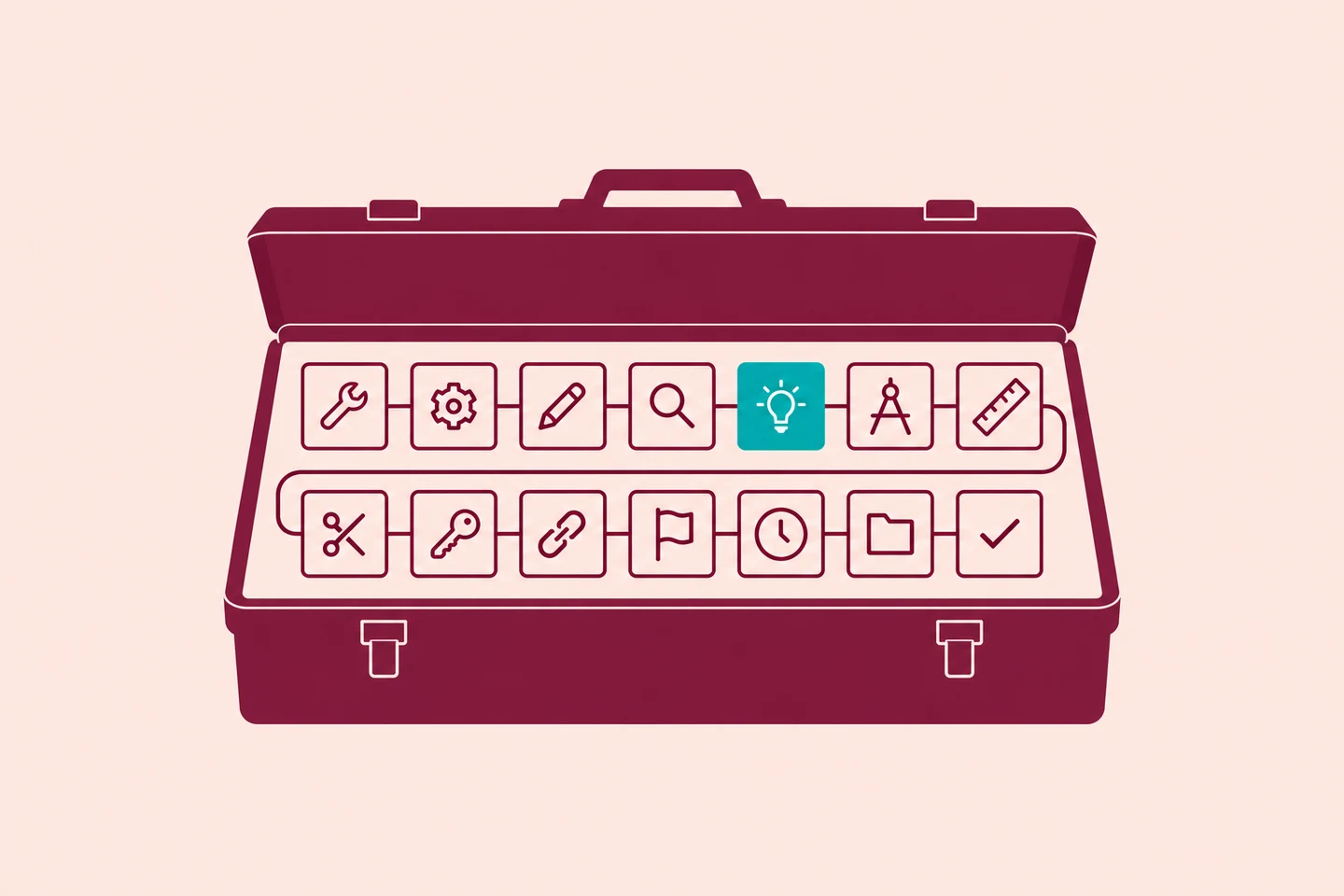
Fourteen tools, in the order of a content workflow: capture → log → research → write → create visuals → record → distribute → handle inquiries. Date the official sources were checked: October 17, 2026. Below you can download the PDF (in Spanish) with a full sheet per tool (steps, example, mistakes and limits), the Notion calendar and the prompts.
You don't need all fourteen. Some are alternatives (Perplexity or Grok; GPT Image 2 or Gemini; Higgsfield or HyperFrames) and none of them connect on their own: every step between tools is copy and paste or a connection you set up yourself. Prices change: check them on each official page.
1The 14 in order
| # | Tool | What you do with it | Input → output | Watch out |
|---|---|---|---|---|
| 1 | Slack | Capture links and ideas | Link + note → saved message | Saving is built in; sending to another app needs setup |
| 2 | Hermes Agent | An agent logs the links | Message → summary and log | Open source; needs a terminal, a model and a Slack app. Notion connection: not verified |
| 3 | Notion | One row per idea in a calendar | Ideas or CSV → calendar | CSV import: 5 MB on free, 50 MB on paid; dates as MM/DD/YYYY |
| 4 | Perplexity | Research with sources | Question → answer with citations | Open the sources: a citation doesn't prove the number |
| 5 | Grok | Cross-check and expand | Findings → verification | Web search documented in its API; app features unconfirmed |
| 6 | Claude | Write and review | Research + style → carousel, caption, newsletter | Give it the data: otherwise it fills the gaps |
| 7 | Claude Code | Build work systems | Folder + request → scripts and files | Needs a subscription or a Console account; check the permissions |
| 8 | GPT Image 2 | Still images | Brief → image | It's the gpt-image-2 API model; its exact relation to ChatGPT Images isn't confirmed |
| 9 | Higgsfield | Add motion to an image | Image + motion → clip | Account and credits; ask for one or two movements per clip |
| 10 | Gemini | Images for infographics | Brief → image | 2K with a Google AI plan, 1K without; long text in the image fails: add it separately |
| 11 | HyperFrames | Animated graphics with code | HTML/CSS → MP4 | Node 22+ and FFmpeg; Apache 2.0. Different from HyperFrames Studio, its editor |
| 12 | Tella | Record screen and face | Screen + camera → edited video | 7-day Pro trial when checked; review the captions |
| 13 | ManyChat | Comment keyword → direct message | Comment → message with a link | Account and connected Instagram; its help page couldn't be opened directly: confirm on your account |
| 14 | Gmail | Labels and filters for inquiries | Emails → organized inbox | A forwarding filter only affects new messages |
Names that get mixed up: Hermes Agent is not the Hermes model; HyperFrames is not HyperFrames Studio; Claude is not Claude Code.
2Minimum route (3 or 4 tools)
- Notion: import the calendar and add a real idea.
- Claude or Perplexity: research and write with review.
- Gemini or GPT Image 2: one simple image.
- ManyChat: only once the resource is already hosted.
3A fictional example that runs through the workflow
You save a link about how a local business (the made-up "Sonrisa Norte Dental Clinic") automates inquiries: you note it in Slack, move it to Notion, research it, write a carousel, create the image, record a short video and deliver the guide to whoever comments TOOLKIT. All the data is made up.
4Delivery through ManyChat: example setup
| Field | Value |
|---|---|
| Trigger | Comment on an Instagram post or reel |
| Keyword | TOOLKIT |
| Message | "Hi! Here's the TOOLKIT guide: RESOURCE_URL" |
RESOURCE_URL | Filled in by whoever implements it; this guide doesn't include any download |
Tests before publishing: comment TOOLKIT from another account (the right link arrives); try toolkit and another word; comment twice (according to the help page, only the first comment triggers); open the link on mobile and desktop. This guide doesn't claim there's an active automation or results.
5Calendar template (Notion)
Import calendario-contenido.csv in Settings → Import → CSV. Columns: Title, Status, Publish date, Format, Pillar, Source link, Keyword, Research tool, Visual brief, Text or caption, Owner, Notes. The two example rows are fictional.
6Prompts
Act as a researcher. Topic: [TOPIC]. Audience: [AUDIENCE]. Link: [URL].
Deliver: 1) five findings, each with its source and exactly what it says; 2) what the sources don't confirm; 3) claims I should verify; 4) two questions from the audience.
Don't make up data or links; if you can't verify something, write "unconfirmed".Write from this verified research: [PASTE]. Pieces: a [N]-slide carousel, a caption of [N] words max with a CTA to comment [KEYWORD] and a [N]-word newsletter.
Plain, friendly English, short sentences, technical terms explained, no promises of results or unsourced data. At the end, score your draft with the rubric.Write a visual brief for [piece]. Idea: [sentence]. Format: [4:5 / 9:16 / 16:9]. Palette: [colors]. Space for text: [where]. Not allowed: long text in the image, logos, recognizable people.
Deliver: a one-paragraph description, elements by layer, the final prompt for [tool] and three checks.7Five-reviewer rubric (suggested method)
Each criterion is worth 20 points; if the total is under 95, the piece goes back for review.
| Reviewer | 20 points if… |
|---|---|
| Accuracy | Every fact has an open, verified source |
| Clarity | One idea per slide or paragraph |
| Usefulness | The reader can carry out a concrete step |
| Voice and language | Plain, friendly and with terms explained |
| Honesty | No promises; limits, costs and requirements mentioned |
8First steps (45 min)
Import the CSV → replace the example rows with a real idea → research and open three sources → write and apply the rubric → create an image → set up ManyChat only once the guide is hosted.
Optional download
Want to keep it?.
You already read the full guide, no account needed. If you want the files on your computer, create your free account: it takes less than a minute.
- TOOLKIT-14-herramientas.pdf474 KB
- TOOLKIT-14-herramientas.md47 KB
- calendario-contenido.csv1 KB
- prompts-toolkit.md4 KB
Your free account also gives you
- Downloads on every resource. The files of every guide, today's and the ones still to come, without asking again.
- Free courses. Learn step by step with video lessons and track your progress.
- Spanish-speaking community. Ask, share what you build and get answers from others who use AI like you.
- Live events. We let you know before each one so you don't miss it.
- Member card, points and ranking. Earn points for joining in and learning, and climb the ranking.
Already have an account? Log in
Andrés Gómez
Practical AI to create content, photos and brand. @andresgomez.ia
Keep going with

