
Guide · ready-to-copy prompts
How to record your videos with a free teleprompter.
A visual guide to Teleprompter Studio, the free web app to record yourself reading your script from your phone: prepare, record and save your video. PDF and editable version. Downloads with your account.
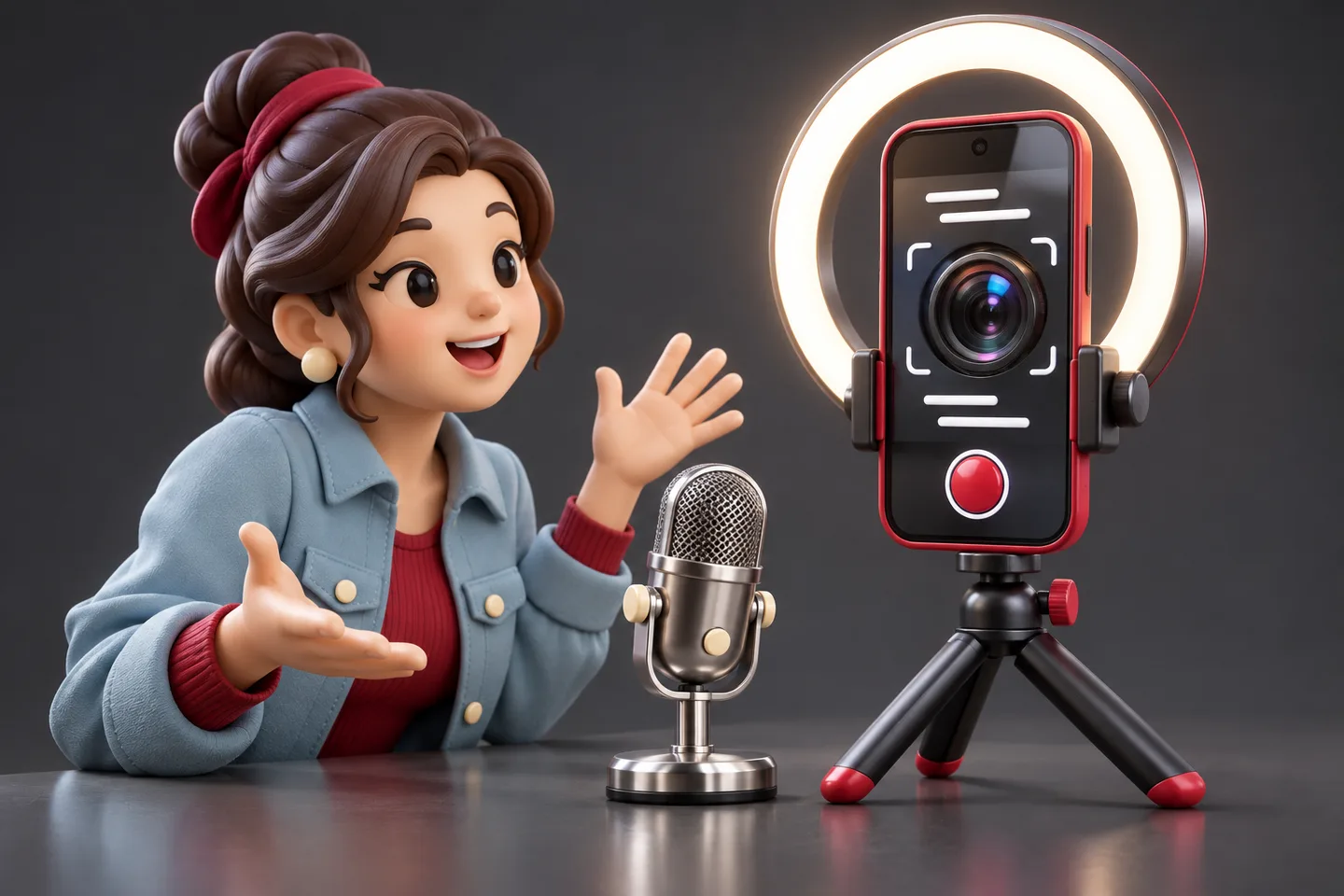
A short, visual guide to record yourself reading a script from your phone with Teleprompter Studio, a free web app: open the link, paste your script, tap the red button and read while looking at the lens. Nothing to install and no account needed. Below you download the PDF and the editable version (both in Spanish).
App link: https://telepronterstudio.netlify.app
1What it includes
- Prepare your recording: open the link, accept permissions, paste the script and choose speed and text size.
- Record: rest the phone at eye level, tap the red button and read while looking at the lens. How to pause with a tap and go back to the start.
- Save your video: separate steps for iPhone and Android, and a warning so you don't lose your takes.
- Four tips to start: speed 60 to 70, text size 40 to 44, short sentences and good light.
The phone diagrams in the PDF are supporting illustrations, not screenshots of the app.
Optional download
Want to keep it?.
You already read the full guide, no account needed. If you want the files on your computer, create your free account: it takes less than a minute.
- Guia-Teleprompter-Studio.pdf310 KB
- Guia-Teleprompter-Studio.md1 KB
Your free account also gives you
- Downloads on every resource. The files of every guide, today's and the ones still to come, without asking again.
- Free courses. Learn step by step with video lessons and track your progress.
- Spanish-speaking community. Ask, share what you build and get answers from others who use AI like you.
- Live events. We let you know before each one so you don't miss it.
- Member card, points and ranking. Earn points for joining in and learning, and climb the ranking.
Already have an account? Log in
Andrés Gómez
Practical AI to create content, photos and brand. @andresgomez.ia
Keep going with

