
Guide · ready-to-copy prompts
5 skill resources to take Claude beyond the chat.
Links, requirements and prompts to explore prospects, sales, web design, thumbnails and agents with Claude.
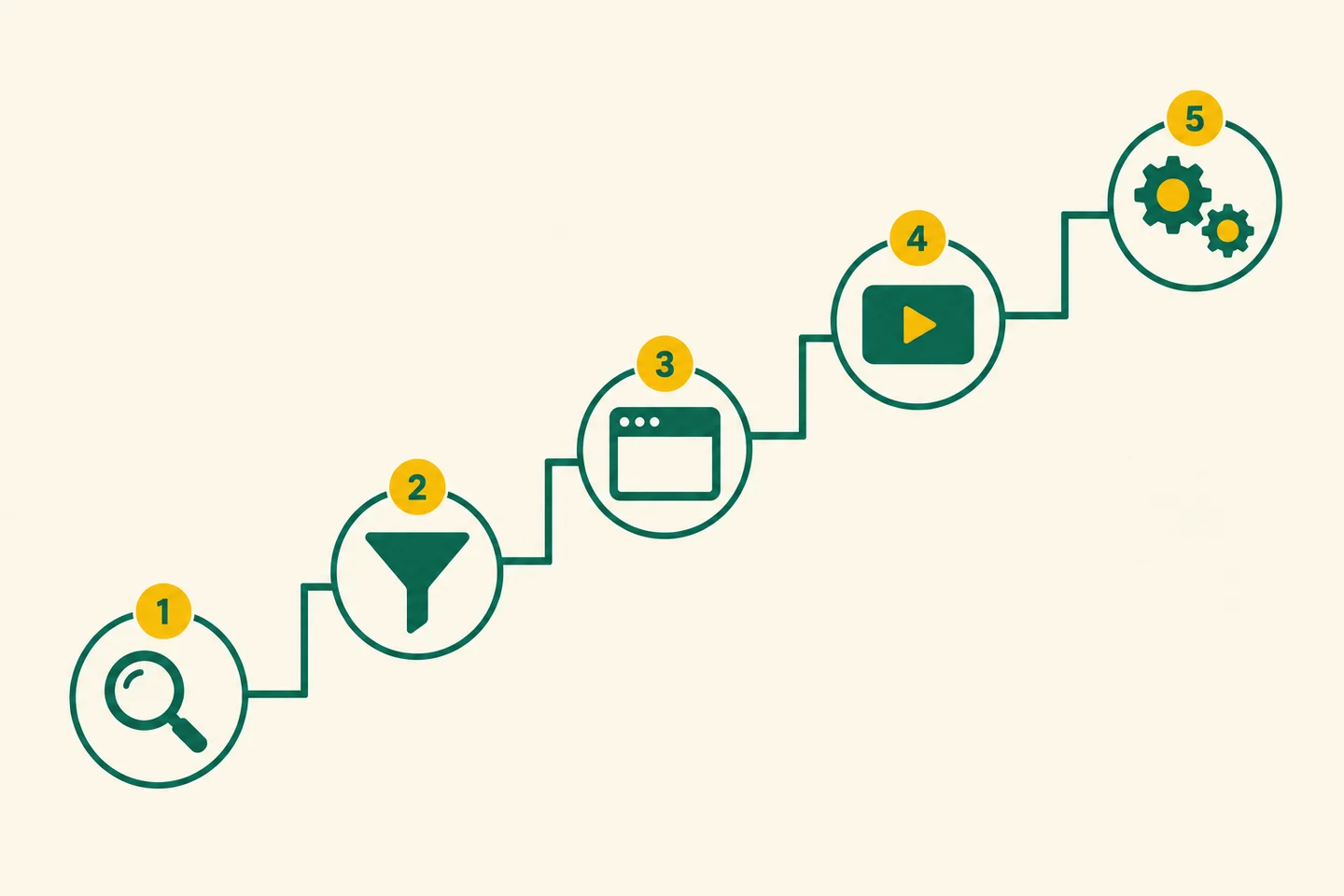
Five skill resources to take Claude beyond the chat. A skill bundles instructions and resources for a specific task; how you use it depends on your assistant and environment, and some need extra tools or services. The links let you look at the resources: not all of them install the same way.
How to use them: pick by goal, open the documentation, check the requirements and adapt the prompt.
15 · Find prospects: lead-research-assistant
You need: an assistant with skills and web search. Provide your offer, location and criteria. Resource
I offer [service] to [type of company] in [country]. Find 10 companies that fit. For each one: official website, one verifiable sign of need, its source and a first-contact proposal. Mark anything you can't verify as unconfirmed.Check: open the sources for three companies and make sure the sign really applies to them. A target job title is not a verified person or email.
24 · Organize sales: cold-email + sales-enablement + revops
You need: context about your product, ideal client, offer and stages. Sending messages or writing to a CRM needs extra connections. Messages · Proposals · Sales process
I sell [service] to [client]. Design a five-stage process, an opening message, two follow-ups and a one-page proposal. Use only the benefits and proof I attach. Prepare drafts without sending them.Check: every message proposes a clear next step, the proposal reflects your real offer and automatic follow-ups stop when someone replies.
33 · Build a first website: frontend-design
You need: an environment that creates and previews HTML/CSS or your framework. Publishing and backend are set up separately. Resource
Create a landing page for [service] aimed at [audience]. Include the problem, the offer, how it works and a button to [action]. Use these real texts and data: [attached]. Make it mobile-friendly and leave a local preview.Check: mobile and desktop, links and buttons. A form that's drawn on the page doesn't mean it sends data.
42 · Design thumbnails: higgsfield-youtube-thumbnail
You need: the Higgsfield CLI, a signed-in session and credits. If you want to appear, a photo of yourself and the video's real promise. Resource
Prepare two 16:9 thumbnail concepts for a video about [topic]. The real promise is [promise]. Use my attached photo and the text [four words max]. Describe both concepts and the cost first, before generating.Check: look at it at a small size; identity and readability. Design doesn't guarantee clicks.
51 · Agents with n8n: n8n-skills
You need: an n8n instance. To create workflows from the assistant, set up n8n-mcp; external models and services ask for their own credentials. Package · Patterns
Design an n8n agent that receives a question and queries a knowledge base. Describe the nodes, tools and credentials. Validate the workflow and prepare three test cases. Leave it inactive until the results are reviewed.Check: try a valid question, one with no answer and one with empty data. Validating the structure doesn't prove the logic works.
6Which one should I pick?
| I need… | Use |
|---|---|
| Prospects | lead-research-assistant |
| Organized sales | cold-email + sales-enablement + revops |
| A web interface | frontend-design |
| Thumbnails | higgsfield-youtube-thumbnail |
| Agents and workflows | n8n-skills |
Heads-up: these are five resources (some group several skills), they depend on your environment, may require services or credits, and the prompts don't run anything on their own: sends and activations need your authorization.
Follow @andresgomez.iaFree community
Join the community.
Create your free account: it takes less than a minute and no card is required.
Your free account also gives you
- Downloads on every resource. The files of every guide, today's and the ones still to come, without asking again.
- Free courses. Learn step by step with video lessons and track your progress.
- Spanish-speaking community. Ask, share what you build and get answers from others who use AI like you.
- Live events. We let you know before each one so you don't miss it.
- Member card, points and ranking. Earn points for joining in and learning, and climb the ranking.
Already have an account? Log in
Andrés Gómez
Practical AI to create content, photos and brand. @andresgomez.ia
Keep going with

