
Guide · ready-to-copy prompts
SYSTEM: which part of your admin work takes up the most time?.
Ten questions, more by process and a scoring matrix to choose where to start automating your admin work. Downloads with your account.
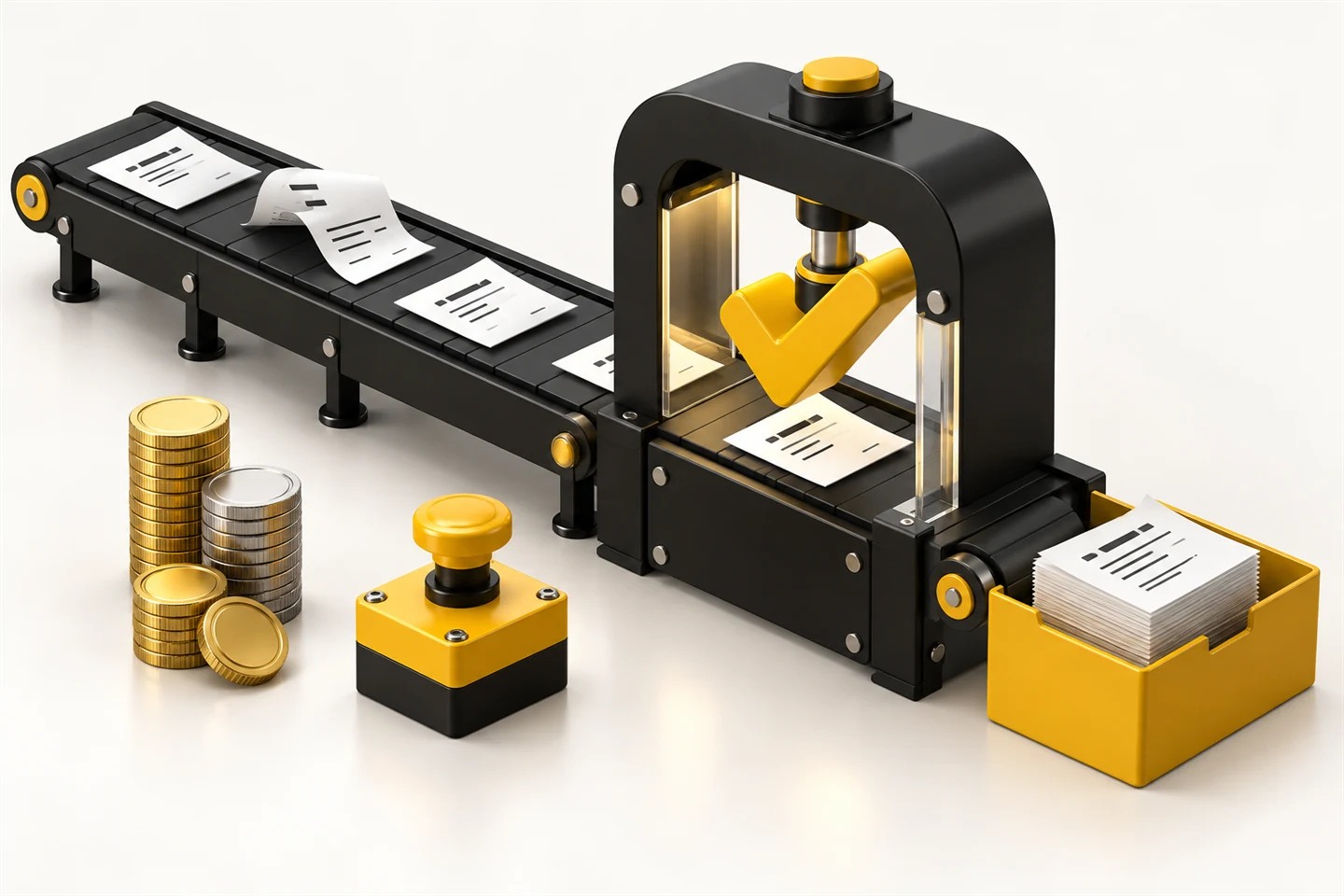
Before automating anything, you need to answer a few questions. This guide gives them to you: ten to diagnose, more by process and a scoring matrix to choose where to start. Below you can download the PDF (in Spanish), the editable version and the CSV template. It isn't accounting, tax or legal advice, and the numbers in the examples are fictional.
1Ten questions
- What admin tasks do you repeat every week?
- How many invoices do you send and receive per week?
- How many are overdue today and how long does it take you to chase them?
- How many hours a week do you spend on collections, suppliers and expenses? Measure it for one week.
- Where does your data live: accounting system, spreadsheets, email, chats, paper?
- Which tools export data or have an API (a technical door so other programs can read or write)?
- What data is missing or arrives incomplete?
- What mistakes repeat and how much did the last one cost?
- Who approves payments, messages and invoices? Is there a backup?
- If the process stopped for two weeks, who would do it by hand?
How to read them: data in chats or on paper gets organized first; more than 6 hours a week makes it a candidate; mistakes that cost money mean a person approves there; if you don't know your hours, measure first.
2Questions by process
| Process | Questions |
|---|---|
| Collections | How many overdue invoices do you have and what do they add up to? After how many days overdue does it go to collections (for example, 15)? How do you know a client paid: by their word or by the statement? What do you do with a partial payment or one with no reference? |
| Suppliers | How many invoices do you receive a month and through which channel? How do you check one didn't arrive twice? What percentage has a purchase order? |
| Expenses | How do receipts reach you? How many are unreadable or without backing? Who decides the category? |
| Daily summary | Do you tell billed from collected and spent from paid? How long does it take you to know what's owed to you and what you owe? How many exceptions are left with no owner? |
3Score your processes
Give each factor a score from 1 to 5:
| Points | Frequency | Hours per week | Impact of errors | Ease of integration |
|---|---|---|---|---|
| 1 | Monthly | < 1 | Minor nuisance | Paper or chats |
| 2 | Twice a month | 1 to < 3 | Fix with some work | Free-form spreadsheet |
| 3 | Weekly | 3 to < 6 | Delay or complaint | Tidy spreadsheet or export |
| 4 | Several times/week | 6 to 10 | Money lost | System with a known API |
| 5 | Daily | > 10 | Big loss or legal risk | API and clean data |
Score = frequency + time + impact + ease (4 to 20). Fictional example: Collections 3+3+4+3 = 13; Suppliers 3+3+4+2 = 12; Expenses 4+2+2+3 = 11. The highest wins; in a tie, the one with more ease. If none goes above 10, organize the data first.
4CSV template
plantilla-diagnostico.csv has 14 columns and three fictional examples marked as such, plus empty rows for your data. Weekly hours = weekly volume × minutes per task ÷ 60 (e.g. 40 × 6 ÷ 60 = 4.0 h).
5Now what?
With your process chosen you're left with three facts: which process it is, how many hours a week it takes and where its data lives today. With that you can check whether it makes sense to automate it and which part should stay in a person's hands. The rule that never changes: AI prepares, a person approves the money.
Want to go over it with me? Message me SISTEMA at @andresgomez.ia and tell me those three facts.
Instagram: @andresgomez.iaOptional download
Want to keep it?.
You already read the full guide, no account needed. If you want the files on your computer, create your free account: it takes less than a minute.
- sistema-guia.pdf114 KB
- sistema-guia.md4 KB
- plantilla-diagnostico.csv1 KB
Your free account also gives you
- Downloads on every resource. The files of every guide, today's and the ones still to come, without asking again.
- Free courses. Learn step by step with video lessons and track your progress.
- Spanish-speaking community. Ask, share what you build and get answers from others who use AI like you.
- Live events. We let you know before each one so you don't miss it.
- Member card, points and ranking. Earn points for joining in and learning, and climb the ranking.
Already have an account? Log in
Andrés Gómez
Practical AI to create content, photos and brand. @andresgomez.ia
Keep going with

