
Guide · ready-to-copy prompts
raea: I tested the engine that renders your videos 7× faster, for free.
What raea (Render Anything Engine) is, the free engine that draws your React videos on your own graphics card with no browser. The tests I ran on my PC (127 s down to 17 s on a full reel), how to install it on Windows, Mac or Linux, the prompt for your first video and what to know before using it. Full guide to read here; the PDF and the prompt download with your free account.
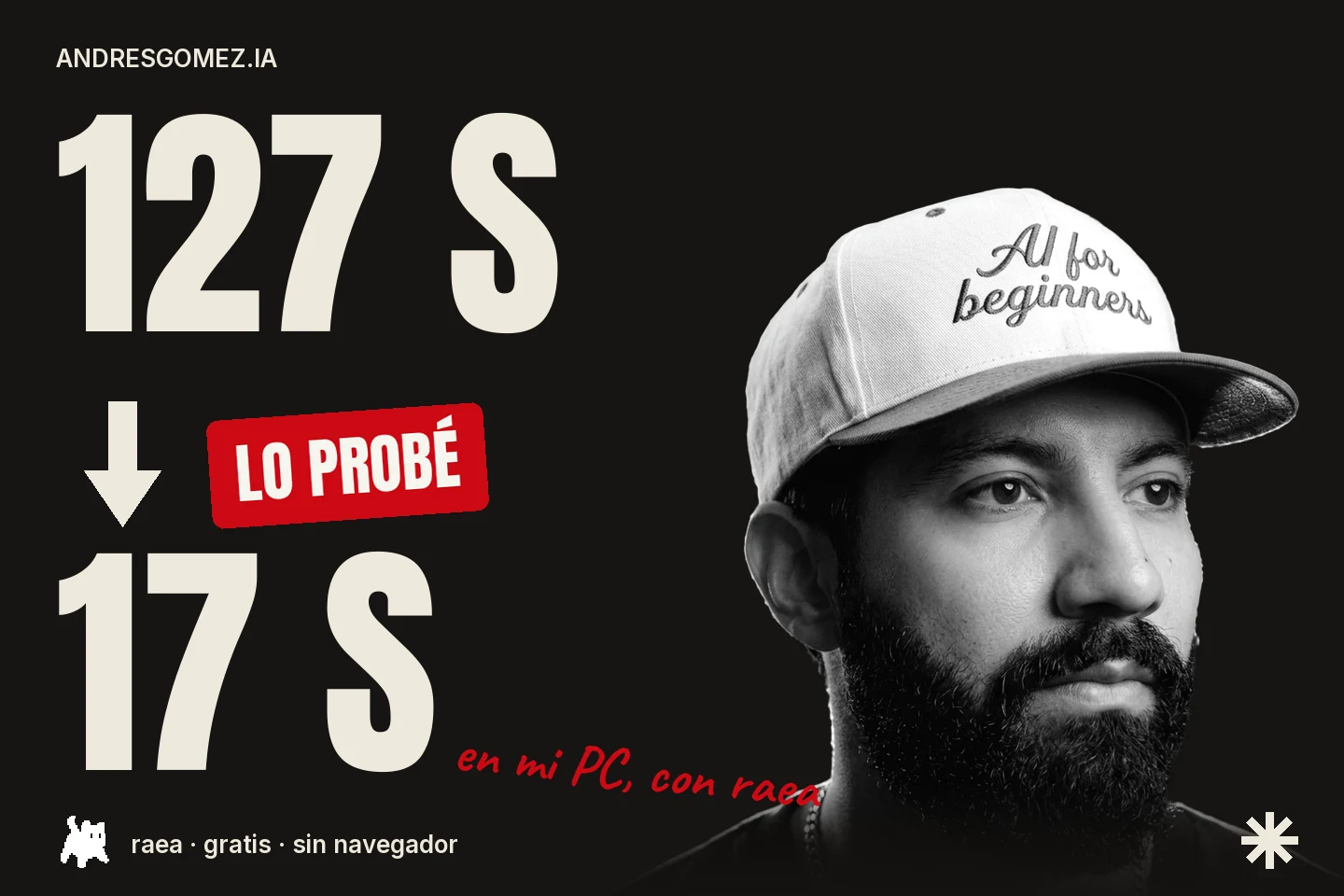
Does every change to your AI video cost you minutes of rendering? raea (Render Anything Engine) is a free engine that draws your videos on your own graphics card, with no browser. You write the video in React and TypeScript, the code Claude already knows how to write, and raea renders every frame. Before recommending it I tested it on my PC: here's what I measured, how to install it and the prompt for your first video.
1What I measured on my PC
All on the same computer (Windows 10, RTX 5060 Ti, Ryzen 5 7600X), vertical 1080×1920 video at 30 fps, median of 3 runs, November 23, 2026.
| Test | With a browser (my usual engine) | With raea | Difference |
|---|---|---|---|
| Same scene, 300 frames | 13.5 s | 7.1 s | 1.9× |
| Same scene, 1,200 frames | 47.0 s | 12.5 s | 3.8× |
| My last full reel (1,167 frames, with videos and sound) | 127.1 s | 17.3 s | 7.3× |
| This reel about raea (1,866 frames) | not measured | 53.9 s | — |
- Picture: I put both videos side by side and they look the same.
- Audio: the voice landed 8 ms off the original (less than a frame) and raea leaves it at −14 LUFS, the standard level for social media.
- The longer the video, the bigger the win: raea takes about 5 seconds to start, then draws each frame in 6 to 11 milliseconds.
2What it is and why it matters
| Fact | Value (as of Nov 23, 2026) |
|---|---|
| GitHub stars | 4,702 |
| Forks | 373 |
| Version | 0.1.9 (November 22, 2026) |
| Pace | 10 stable releases between November 9 and 22 |
| License | FSL-1.1 (each version becomes Apache-2.0 two years later) |
| Price | Free, no account for the engine |
| Systems | Mac (Apple Silicon), Linux and Windows 10/11 |
It was built by Shane Murphy (@shinyobjectz), a former editor and motion designer at agencies.
See raea on GitHubSee the official siteSee films made in raea3What it does besides video
- Games: the same file plays live with
raea play(input, physics, sound and 3D). - 3D: scenes with lights, materials and glTF models, drawn by the Bevy engine.
- Sound: effects and instrument notes from models that run on your computer (
raea sao). - Automatic review:
raea checkflags clipped text, low contrast, social safe areas and loudness. - For agents: it ships a skill for Claude Code; your agent renders a frame, looks at it and fixes it on its own.
4Step 1. Install it
You need a graphics card with a DirectX 12 or Vulkan driver (almost any PC from recent years) and about 350 MB free.
On Windows, open PowerShell and paste:
irm https://raea.io/install.ps1 | iexOn Mac or Linux, in the terminal:
curl -fsSL https://raea.io/install | shThe installer puts raea in your user folder (.raea), adds it to your PATH and copies its skill to ~/.claude/skills so Claude Code knows how to use it. Open a new terminal when it finishes and check:
raea --version5Step 2. Your first video
This is what a raea video looks like: a React component that draws whatever frame it's asked for.
import { AbsoluteFill, Composition, interpolate, registerRoot, useCurrentFrame } from "raea";

function Hello() {
  const f = useCurrentFrame();
  return <AbsoluteFill style={{ background: "#000", color: "#fff", fontSize: 120, opacity: interpolate(f, [0, 20], [0, 1]) }}>Hello</AbsoluteFill>;
}

registerRoot(() => <Composition id="hello" component={Hello} width={1080} height={1920} fps={30} durationInFrames={90} />);
Save it as hello.tsx and render it:
raea render hello.tsx -o hello.mp4On my PC those 90 frames came out in about 6 seconds, start-up included.
6Prompt so Claude guides you
I want to use raea (https://github.com/shinyobjectz/raea) to make videos with code. I'm a beginner.
1. Check whether raea is installed (raea --version). If not, install it with the official installer for my system.
2. Create a project with raea init and explain in simple words which file is the video.
3. Make a 10-second vertical Instagram video about [your topic], with titles that land on the beat and my colours [your colours].
4. Before the full video, render 3 stills (raea render edit.tsx -o stills --at 30,150,270) and show them to me.
5. Once I approve, render the video, run raea check on it and tell me what to fix.7Commands you'll use most
| Command | What for |
|---|---|
raea render video.tsx -o video.mp4 | Renders the full video |
raea render video.tsx -o stills --at 30,150,270 | Stills of those frames to review (frame numbers, not seconds) |
raea check video.mp4 --platform reels | Checks clipped text, contrast, safe areas and loudness |
raea play game.tsx | Plays the file live |
raea guide | The design guides that ship with the engine |
8Good to know
- It's a canary build: a new version comes out almost every day, so something may change from one week to the next. Windows is the newest and least tested platform.
- Your video has to be in React. In my test, an HTML video made for another engine didn't render correctly as-is: I had to move it to React (Claude did it for me).
- For Instagram, switch the audio to AAC: raea outputs Opus audio. With ffmpeg, without touching the picture:
ffmpeg -i video.mp4 -c:v copy -c:a aac -b:a 192k -movflags +faststart final.mp4- Some features download large models (local sound, character motion): they can take several GB.
- The licence is FSL: you can use it free for your videos and clients, but not to build a product that competes with raea.
- It's not an Anthropic tool.
Optional download
Want to keep it?.
You already read the full guide, no account needed. If you want the files on your computer, create your free account: it takes less than a minute.
- raea-guia.pdf493 KB
- prompt-raea.md2 KB
Your free account also gives you
- Downloads on every resource. The files of every guide, today's and the ones still to come, without asking again.
- Free courses. Learn step by step with video lessons and track your progress.
- Spanish-speaking community. Ask, share what you build and get answers from others who use AI like you.
- Live events. We let you know before each one so you don't miss it.
- Member card, points and ranking. Earn points for joining in and learning, and climb the ranking.
Already have an account? Log in
Andrés Gómez
Practical AI to create content, photos and brand. @andresgomez.ia
Keep going with

