
Guide · ready-to-copy prompts
Spending hours editing every video? MoneyPrinterTurbo makes them on its own.
How to install and set up MoneyPrinterTurbo, the free, open-source tool that turns a single topic into the script, clips, voice, captions and music, and even publishes the video. Full guide to read here; files download with your free account.
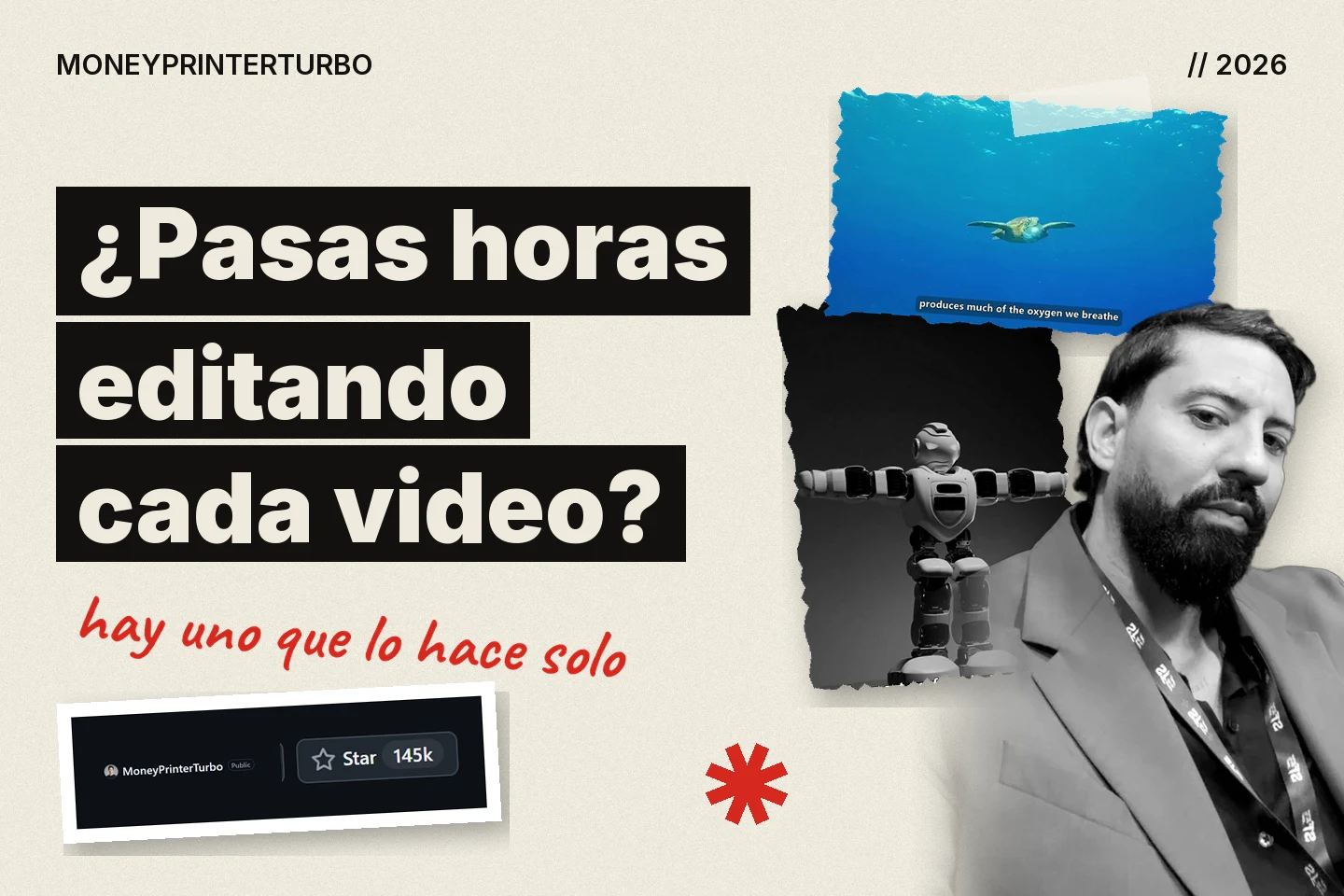
Spending hours editing every video? MoneyPrinterTurbo is a free, open-source tool (MIT license) that, from a single topic, writes the script, finds the clips, generates the voice, syncs the captions, adds music and hands you the finished video. It has over 140,000 stars on GitHub (144,845 on November 21, 2026).
See MoneyPrinterTurbo on GitHub1What it does
| Step | What the tool does |
|---|---|
| Script | An AI model writes it from your topic |
| Clips | Finds stock videos on Pexels or Pixabay (free), or uses yours |
| Voice | Free Edge TTS (no key), or ElevenLabs, Azure, Gemini and others |
| Captions | Syncs them with the voice |
| Music | In the background, random or one you upload |
| Format | Vertical 9:16, horizontal 16:9 or square 1:1 |
| Publish | Straight to TikTok, Instagram and YouTube Shorts, with title and hashtags |
For the script it works with ChatGPT, Claude, Gemini, DeepSeek, Kimi, Qwen, Ollama (local) and many more.
2The easiest way: have your agent install it
If you use Claude Code (or another agent that can use the terminal), paste this to it. The agent installs and sets up MoneyPrinterTurbo, generates the video and tells you where it ended up. It will only ask you for the keys that are missing. It works on Mac and Windows.
Use this Skill: https://raw.githubusercontent.com/harry0703/MoneyPrinterTurbo/main/docs/skill/SKILL.md
Create a video on the topic "How AI is changing daily life", in English and in vertical format.3Install it on Windows (one-click package)
- Go to the latest release on GitHub and download the .7z file from the Assets section (not "Source code").
- Unzip it into a folder with no spaces or accents in the path.
- Double-click
update.batto bring in the latest version. - Double-click
start.bat: the interface opens in your browser (if it comes up blank, use Chrome or Edge).
4Install it with Python (Mac, Linux or Windows)
You need Python 3.11 or higher.
python3 -m venv .venv
source .venv/bin/activate
python -m pip install mpt
mpt webui
On Windows PowerShell, activate the environment with .venv\Scripts\Activate.ps1. The official package is called mpt (the one called "MoneyPrinterTurbo" on PyPI is from a third party).
5Set it up the first time
- In the interface, open the basic settings.
- Choose the model for the script and paste its key. If you want something free, Ollama runs on your computer.
- For clips, create a free key at Pexels or Pixabay.
- For the voice, Edge TTS works with no key.
- Type the topic, choose format and voice, and press Generate video.
6What your computer needs
| Minimum | Recommended | |
|---|---|---|
| Processor | 4 cores | 6 to 8 cores |
| Memory | 4 GB | 8 GB |
| Graphics card | Not needed | 4 GB or more to go faster |
7Keep in mind
- The tool is free, but the script model may cost money if you use a paid one (ChatGPT, Claude, Gemini). There are free options, like Ollama locally.
- Stock clips are generic: for your brand, upload your own videos and images.
- Review each video before publishing; automatic publishing needs you to connect your accounts.
- It's a third-party project and changes often: if a step doesn't match, check the README.
What topic would you give it first? Tell me at @andresgomez.ia.
Optional download
Want to keep it?.
You already read the full guide, no account needed. If you want the files on your computer, create your free account: it takes less than a minute.
- MoneyPrinterTurbo-guia.pdf1.5 MB
- prompt-moneyprinterturbo.md1 KB
Your free account also gives you
- Downloads on every resource. The files of every guide, today's and the ones still to come, without asking again.
- Free courses. Learn step by step with video lessons and track your progress.
- Spanish-speaking community. Ask, share what you build and get answers from others who use AI like you.
- Live events. We let you know before each one so you don't miss it.
- Member card, points and ranking. Earn points for joining in and learning, and climb the ranking.
Already have an account? Log in
Andrés Gómez
Practical AI to create content, photos and brand. @andresgomez.ia
Keep going with

