
Guide · ready-to-copy prompts
MarkItDown + Claude: convert your documents to Markdown step by step.
Install MarkItDown, convert your first document and work with the result in Claude, with prompts, a checklist and quick fixes. Downloads with your account.
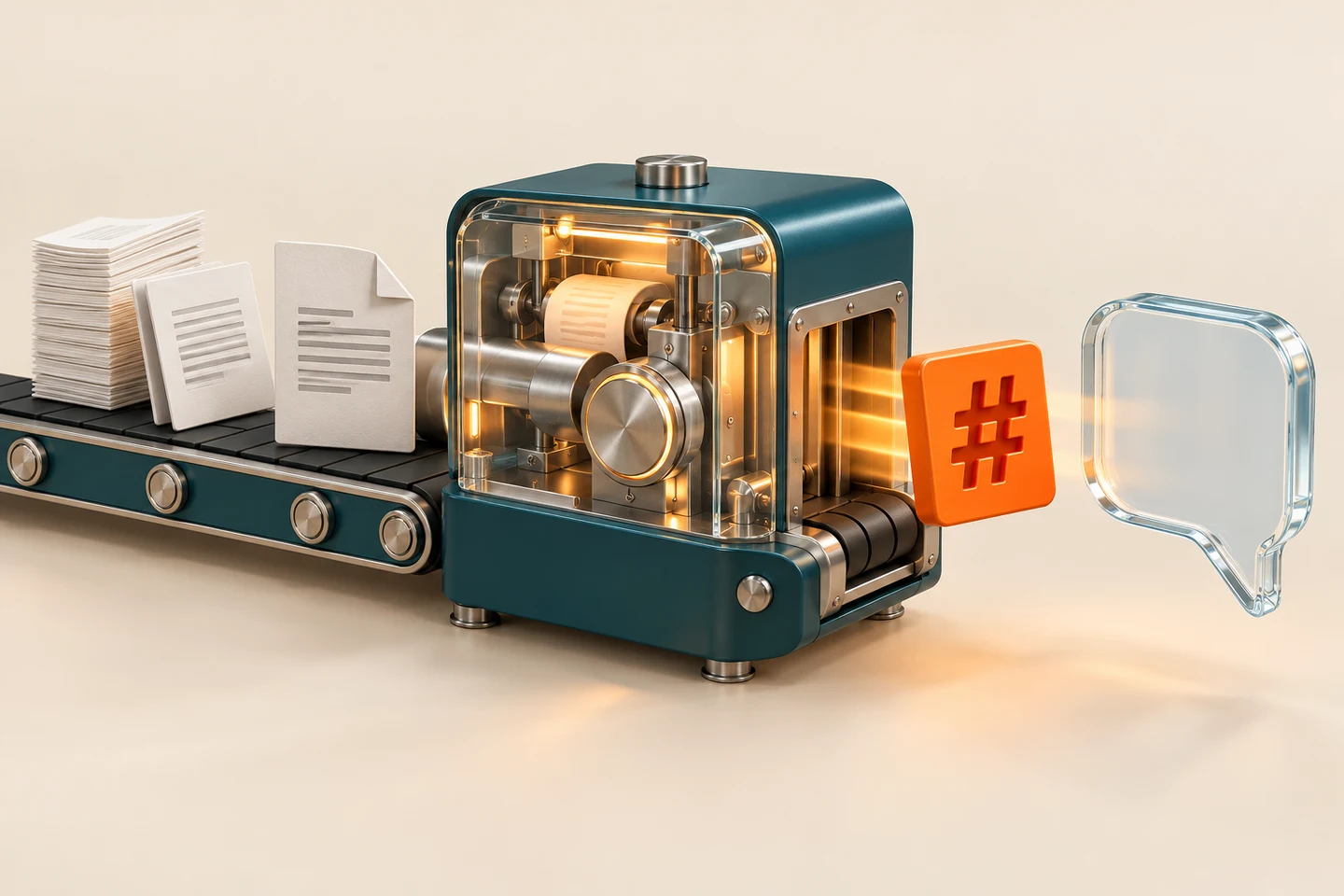
The guide to setting up MarkItDown with Claude step by step, for people with no technical experience. Date checked: October 21, 2026. Below you can download the full PDF (in Spanish), the editable guide and a test document with its conversion.
Verified = run on Windows 10 with Python 3.13.5 and MarkItDown 0.1.9, with made-up documents. Documented = according to the official documentation, not tested (macOS wasn't tested).
Markdown is plain text with simple marks (# heading, * list, | table). MarkItDown, by Microsoft, converts PDF, Word, PowerPoint, Excel, images, audio, HTML, CSV/JSON/XML, ZIP, YouTube and EPub to Markdown, keeping headings, lists, tables and links. It's meant for text analysis: it isn't a faithful copy of the original.
Document → MarkItDown (on your machine) → .md file → Claude1Before you start
- Python 3.10 to 3.14 and a virtual environment (an isolated folder).
- Commands are typed in the terminal (PowerShell on Windows, Terminal on Mac), not in the Claude chat.
- Claude Chat only works with the already-converted document. Claude Code can run commands on your machine, with your permission (it needs a Claude subscription or a Console account; the desktop app includes it in the Code tab).
2Installation
1. Check Python. Windows: python --version; Mac: python3 --version → it should be 3.10–3.14 (Verified: 3.13.5). If it's missing, python.org/downloads.
2. Folder and environment (Windows / PowerShell):
cd $HOME\Documents
mkdir MarkItDown, MarkItDown\originales, MarkItDown\salida
cd MarkItDown
python -m venv .venv
.venv\Scripts\Activate.ps1
Mac: cd ~/Documents && mkdir -p MarkItDown/originales MarkItDown/salida && cd MarkItDown && python3 -m venv .venv && source .venv/bin/activate (Documented). You'll see (.venv) at the start of the line.
3. Install:
pip install "markitdown[all]"
markitdown --version
It should show markitdown 0.1.9 or later. On Windows use double quotes.
4. Convert:
markitdown "originales/sample-minutes.docx" -o "salida/sample-minutes.md"It shows no message and creates the file. If the output file exists, it overwrites it without warning (Verified). Another way: markitdown file.pdf > document.md.
Next time: go into the folder, activate the environment and convert; no need to reinstall.
3Let Claude Code do it with you
Open Claude Code in the folder (claude in the terminal, or the Code tab → *Local* → *Open folder…*) and paste this prompt. Nothing is installed until you send it and approve.
I want to install MarkItDown from the official repository https://github.com/microsoft/markitdown.

Before doing anything: check my operating system and my Python (it must be between 3.10 and 3.14), explain the changes and wait for my confirmation. Run one command at a time and tell me what it does.

With my confirmation: 1) create a virtual environment (.venv) in this folder, without admin rights or installing anything outside it; 2) install MarkItDown with its dependencies; 3) convert this test document: [PATH] and save the result in salida/ as .md; 4) check that it keeps headings, paragraphs, lists and tables and tell me what's missing or looks odd.

Don't delete or overwrite my originals or existing files (if the output already exists, use another name). Don't send my documents to external services.
When you finish: what you installed, where the file ended up and the command to repeat it.4Use the result in Claude
- Chat: the help center lists PDF, DOCX, CSV, TXT, HTML, ODT, RTF, EPUB, JSON and XLSX (up to 500 MB and 20 files per chat) and doesn't mention
.md. Safe options: paste the text or attach a.txtcopy. *Pending:* whether your account accepts.mddirectly. - Claude Code: type
@salida/file.mdto include it.
Summarize this document in 5–8 points. After each point, state in parentheses the section it comes from (exact heading). Use only what the document says. If something looks incomplete (e.g. a broken table), say so under "Doubts".
[PASTE OR ATTACH]Extract the tasks into a table: Task | Owner | Deadline | Section. If the owner or date is missing, write "Not stated": don't infer or make things up. Copy the dates as they are. Then list the ambiguous tasks and why.
[PASTE OR ATTACH]Compare DOCUMENT A and DOCUMENT B: table Topic | What A says | What B says; what's only in each one; what matches; contradictions. Cite each one's section and don't make things up. If something can't be compared, say so.
[A] … [B] …5Review the conversion
- [ ] Headings with
#(in the test, the Word heading with the "Title" style came out without#). - [ ] Paragraphs not split (in a test PDF, each line came out as a paragraph).
- [ ] Tables with correct columns and headers (in the test, the header row came out empty).
- [ ] Links, numbers and dates complete; nothing left out.
Also check the original if there are charts or images, complex tables or important documents. A scanned PDF produced an empty file with no error (Verified).
6Tokens: what to expect
It depends on the document and the method. There's no guaranteed fixed saving. Official Anthropic figure for PDFs via the API: typically 1,500–3,000 text tokens per page, depending on density, plus the image cost because each page is also converted to an image. It's not a MarkItDown measurement. To know your case, compare the same document as the original and as Markdown on your account.
7Quick fixes
- "markitdown" not recognized /
command not found: the environment isn't activated. Activate it or call it by path:.venv\Scripts\markitdown.exe file.docx -o salida\file.md(Verified). If PowerShell blocksActivate.ps1, use that alternative. MissingDependencyException: you installed onlymarkitdown. Usepip install "markitdown[all]"or groups, e.g."markitdown[pdf,docx,pptx]"(Verified).- Paths with spaces: in double quotes; without them it fails with "unrecognized arguments" (Verified).
FileNotFoundError: check the name, extension and folder.- Empty output: probably a scanned PDF. There are optional services (OCR
markitdown-ocr, Azure Document Intelligence/Content Understanding) that need credentials and may cost money: Documented, not tested. The conversion in this guide is local, with no keys. - Security: MarkItDown uses your file and network permissions; don't convert files you don't know.
8Final checklist
- [ ] Python 3.10–3.14 · [ ] folder, environment activated and
pip install "markitdown[all]"· [ ]markitdown --version· [ ] first.mdinsalida· [ ] checked against the original · [ ] used in Claude with a prompt.
Sources: MarkItDown · Claude Code · Claude Code on desktop · Uploading files to Claude · PDFs and tokens.
Optional download
Want to keep it?.
You already read the full guide, no account needed. If you want the files on your computer, create your free account: it takes less than a minute.
- guia-markitdown-claude.pdf309 KB
- guia-markitdown-claude.md21 KB
- acta-de-ejemplo.docx36 KB
- acta-de-ejemplo.md1 KB
Your free account also gives you
- Downloads on every resource. The files of every guide, today's and the ones still to come, without asking again.
- Free courses. Learn step by step with video lessons and track your progress.
- Spanish-speaking community. Ask, share what you build and get answers from others who use AI like you.
- Live events. We let you know before each one so you don't miss it.
- Member card, points and ranking. Earn points for joining in and learning, and climb the ranking.
Already have an account? Log in
Andrés Gómez
Practical AI to create content, photos and brand. @andresgomez.ia
Keep going with

