
Guide · ready-to-copy prompts
Google Flow for beginners.
Create your first project, work with references and improve your images and videos.
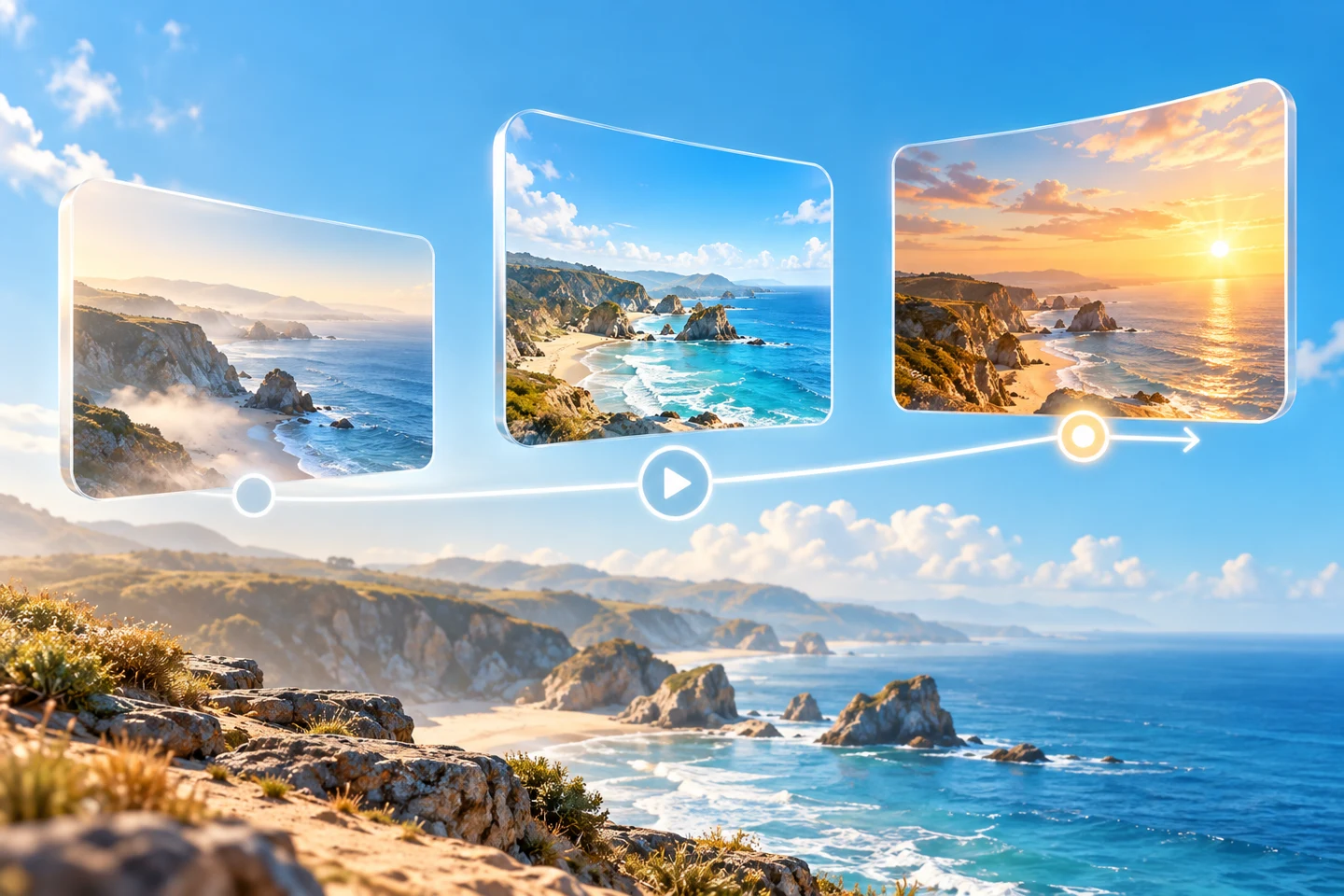
Google Flow is an AI studio to create images and video clips, reuse characters or objects as references and build sequences with Scenebuilder.
Access: it works with usage limits and credits, and depends on your country, account and plan. There are trial options and paid plans; extra credits may cost money. It's not completely free: check your credits and what each model uses before generating.
1Your first project
- Go to https://flow.google.com/ with your Google account and create a project.
- Choose image or video and describe the scene.
- Add references if you need to keep a character, product or style.
- Choose orientation, length and number of results; generate and review.
- Change only one variable per attempt (camera, light, action, style or composition).
- Save the best ones and arrange the clips in Scenebuilder before downloading.
2Prompt formula
Subject + action + place + shot + camera movement + lighting + style
*Example:* "A creator working at a laptop in a modern studio, medium shot, the camera slowly moves in, blue and orange lighting, realistic cinematic style."
33 prompts to try
Editorial portrait of a tech creator at a minimalist desk, confident and natural expression, soft side lighting, dark background with blue details, professional photography, vertical composition.A smartphone on a black table, studio lights sweep along its edges while the camera slowly orbits the product, controlled reflections, dark background, premium advertising look.A creator works on a laptop inside an airplane. The walls of the plane disappear and they're left sitting above the clouds. Medium shot, camera slowly moving in, warm sunrise light, realistic cinematic style.4Improve without starting over
- Bad framing: ask for a close-up, medium shot or wide shot.
- Too much movement: static camera or slow movement.
- The character changes: use the same reference and describe what must stay the same.
- It looks artificial: natural light, realistic texture, coherent motion.
- It doesn't do the action: a single action, in order, with no contradictory instructions.
Common mistakes: very general prompts, many actions in one clip, changing everything on each attempt, not using references and burning credits repeating without analyzing what went wrong.
Exercise: a 5–8 s idea → prompt with the formula → first version → change only one thing → compare.
Sources: Google Flow · Create and edit images · Help · Credits. Features and limits may change.
Optional download
Want to keep it?.
You already read the full guide, no account needed. If you want the files on your computer, create your free account: it takes less than a minute.
- google-flow-principiantes.txt5 KB
Your free account also gives you
- Downloads on every resource. The files of every guide, today's and the ones still to come, without asking again.
- Free courses. Learn step by step with video lessons and track your progress.
- Spanish-speaking community. Ask, share what you build and get answers from others who use AI like you.
- Live events. We let you know before each one so you don't miss it.
- Member card, points and ranking. Earn points for joining in and learning, and climb the ranking.
Already have an account? Log in
Andrés Gómez
Practical AI to create content, photos and brand. @andresgomez.ia
Keep going with

