
Guide · ready-to-copy prompts
find-skills: the #1 skill on skills.sh that finds and installs the skill Claude Code is missing.
How to install find-skills, ask it for the skill you need, review it before installing and the 10 most-installed skills in the directory. Full guide to read here; files download with your free account.
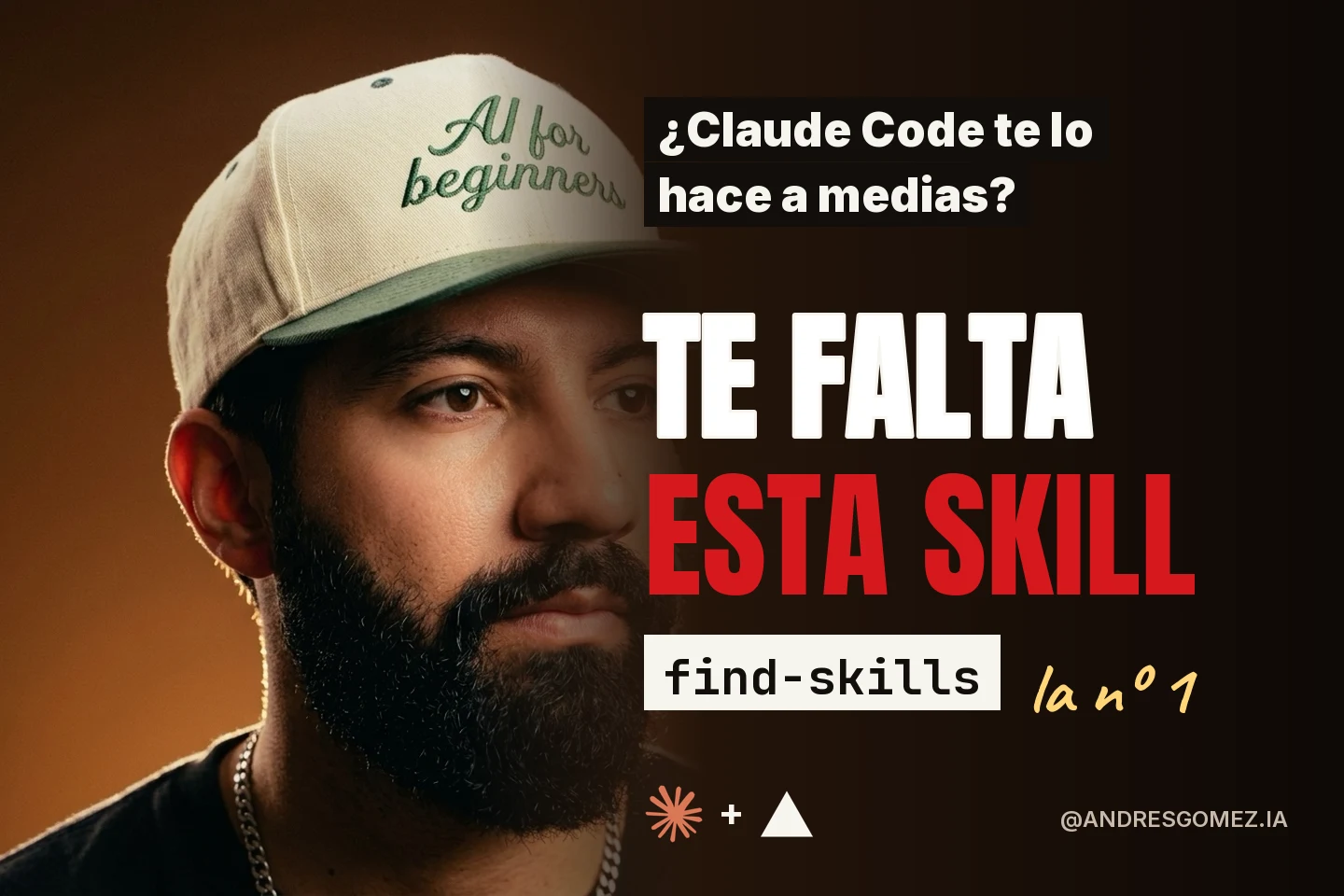
Do you ask Claude Code for something and it does it halfway? Many times it's not Claude: it's missing the right skill. find-skills is the skill that searches for you on skills.sh, Vercel's open skills directory, suggests the ones that fit what you want to do and, if you say yes, installs them. Here's how to use it step by step and the 10 most-installed skills in the directory.
1Why this skill
| Fact | Value (as of Nov 20, 2026) |
|---|---|
| Installs | 4.5M (#1 in the whole ranking) |
| Skills in the directory | 1,477,970 |
| Repository | vercel-labs/skills (40.1K stars) |
| On skills.sh since | January 26, 2026 |
According to its SKILL.md, it recommends skills by number of installs (it prefers over 1K), by the reputation of whoever publishes it (official sources like Vercel or Anthropic) and by GitHub stars. Before searching with commands, look at the skills.sh ranking.
See find-skills on skills.sh2What you need
- Claude Code installed (it also works with other agents: Cursor, Codex, GitHub Copilot, Gemini and more).
- Node.js, to use
npx. - A project folder where you want to keep your skills.
3Step 1. Install find-skills
Open the terminal in your project and paste the official command:
npx skills add https://github.com/vercel-labs/skills --skill find-skills4Step 2. Tell it what you want to do
Open Claude Code and ask in your own words. For example:
Find a skill to edit videos for my social media. Give me the 3 best with their installs, who publishes them and the command to install them. Don't install anything yet.You can also search yourself with npx skills find [what you're looking for].
5Step 3. Review what it suggests
- Installs: over 1K is a good sign.
- Who publishes it: official or well-known sources are better.
- Audits: on each skill's page on skills.sh, check the security audits (Gen Agent Trust Hub, Socket, Snyk). Even find-skills has a Snyk warning: read it before installing.
- Read the SKILL.md: a skill runs on your machine, with your files.
Before installing [skill name], read its SKILL.md and tell me which files it touches, which commands it runs and whether it needs keys or internet access. Give me your recommendation in three lines.6Step 4. Install the one you choose
Say yes to the one that convinces you, or copy its command. A real example:
npx skills add https://github.com/heygen-com/hyperframes --skill hyperframesTo keep them all up to date: npx skills update.
7The 10 most-installed skills (Nov 20, 2026)
| # | Skill | Published by | Installs | What it's for |
|---|---|---|---|---|
| 1 | find-skills | vercel-labs | 4.5M | Finds and installs skills |
| 2 | hyperframes-cli | heygen-com | 1.6M | Creates, reviews and renders HyperFrames videos |
| 3 | agent-browser | vercel-labs | 1.6M | Operates the browser: navigate, fill in forms, click |
| 4 | hyperframes | heygen-com | 1.6M | Videos made with HTML: explainers, launches, graphics |
| 5 | grill-me | mattpocock | 1.6M | Grills you thoroughly to refine a plan or a design |
| 6 | design-mobile-apps | designed-by-ai | 1.5M | Designs app screens and turns them into React Native or HTML |
| 7 | media-use | heygen-com | 1.5M | Music, effects, images, voice and logos for your videos |
| 8 | reddit-automation | flowkit-labs | 1.5M | Finds Reddit threads asking for what you offer and drafts replies |
| 9 | hyperframes-registry | heygen-com | 1.4M | About 450 ready blocks: transitions, titles, captions |
| 10 | grill-with-docs | mattpocock | 1.4M | Like grill-me, but documents the decisions as it goes |
The ranking changes every day: check it on skills.sh before installing.
Open the skills.sh rankingWant me to tell you which skill suits you? Message me SKILLS at @andresgomez.ia.
Optional download
Want to keep it?.
You already read the full guide, no account needed. If you want the files on your computer, create your free account: it takes less than a minute.
- FindSkills-guia.pdf9 KB
- prompt-find-skills.md1 KB
Your free account also gives you
- Downloads on every resource. The files of every guide, today's and the ones still to come, without asking again.
- Free courses. Learn step by step with video lessons and track your progress.
- Spanish-speaking community. Ask, share what you build and get answers from others who use AI like you.
- Live events. We let you know before each one so you don't miss it.
- Member card, points and ranking. Earn points for joining in and learning, and climb the ranking.
Already have an account? Log in
Andrés Gómez
Practical AI to create content, photos and brand. @andresgomez.ia
Keep going with

