
Guide · ready-to-copy prompts
DESIGN: a guide to improve your websites with Claude.
Which skill or MCP to install first, how to set it up and how to apply it to a real project, with BRIEF.md and four prompts. Downloads with your account.
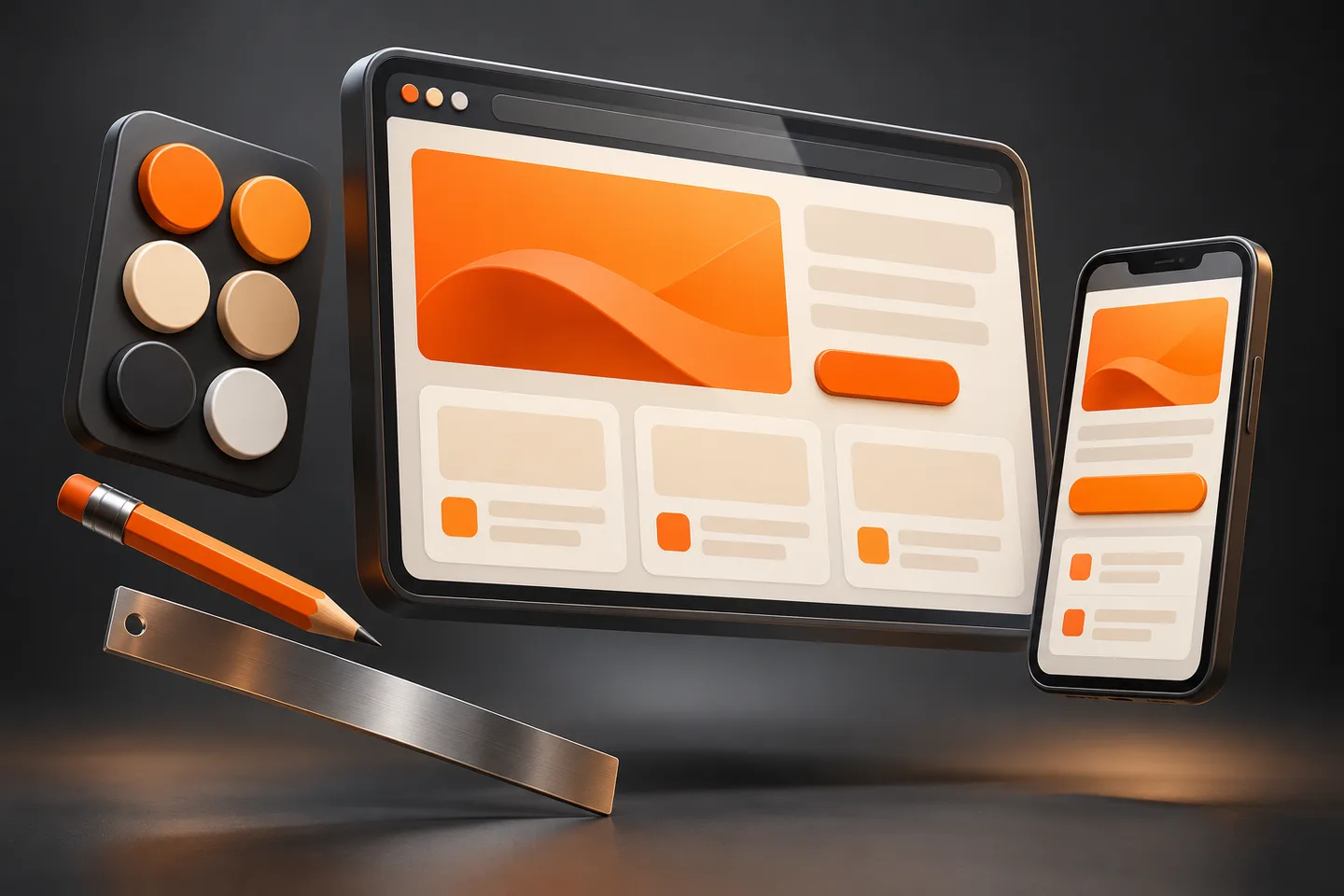
A guide to choose which design tool to install first with Claude Code, set it up and apply it to a real project. It includes an editable BRIEF.md, four prompts to copy and a final checklist. Below you download the PDF (in Spanish), the editable guide, the brief and the prompts.
What was checked and what wasn't: the instructions come from the official sources, checked on October 27, 2026. On a Windows computer it was checked that the Playwright MCP command is added and connects, and that the npx commands for Emil Kowalski and Impeccable exist. The skills and Figma MCP were not installed in a project, the results weren't tested and no professional website or timeline is promised. Anything not verified is marked at each step.
1What do I install first?
You don't need to install everything. Choose based on your situation:
| Tool | Type | Start here if... | Required |
|---|---|---|---|
| Taste | Skill | You're creating a website from scratch and have no visual direction | No |
| Impeccable | Skill | You already have a website and want to review layout, typography, color and consistency | No |
| Emil Kowalski | Skills | You want to take care of animations, transitions and interactions | No |
| Figma MCP | MCP | You already have a design in Figma to implement | No |
| Playwright MCP | MCP | You want Claude to open your site in a browser and review it | No |
A skill gives Claude judgment (instructions). An MCP server gives it a capability (open a browser, read Figma).
2The guide's workflow
- Fill in the brief: business, audience, goal, CTA, content, images, references, technology and review requirements.
- Choose the visual direction: prompt 1 proposes three and stops before coding.
- Implement: prompt 2 builds the chosen direction using only your content.
- Adjust details: prompt 3 diagnoses first and fixes only what you approve.
- Review on desktop and mobile: prompt 4 tests the site at 375, 768 and 1280 px.
Each prompt says what to fill in, which files to consult, what to deliver and how to check it, and asks Claude to tell you if an integration is missing.
3Claude Code or Claude in the browser
The install commands are for Claude Code (it runs in a terminal inside your project). On claude.ai you can only upload skills as ZIP; support for Figma MCP and Playwright MCP on claude.ai wasn't verified. The guide explains the differences step by step.
Official sources: Emil Kowalski · Impeccable · Taste · Figma MCP · Playwright MCP.
Optional download
Want to keep it?.
You already read the full guide, no account needed. If you want the files on your computer, create your free account: it takes less than a minute.
- Guia-DISENO-Claude.pdf336 KB
- Guia-DISENO-Claude.md30 KB
- BRIEF.md3 KB
- Prompts-DISENO.txt8 KB
Your free account also gives you
- Downloads on every resource. The files of every guide, today's and the ones still to come, without asking again.
- Free courses. Learn step by step with video lessons and track your progress.
- Spanish-speaking community. Ask, share what you build and get answers from others who use AI like you.
- Live events. We let you know before each one so you don't miss it.
- Member card, points and ranking. Earn points for joining in and learning, and climb the ranking.
Already have an account? Log in
Andrés Gómez
Practical AI to create content, photos and brand. @andresgomez.ia
Keep going with

