
Guide · ready-to-copy prompts
CONTEXT: organize your instructions to work better with Claude.
Five before-and-after changes, a component map, a checklist, a CLAUDE.md template, a read-only audit prompt and a method to compare results. Downloads with your account.
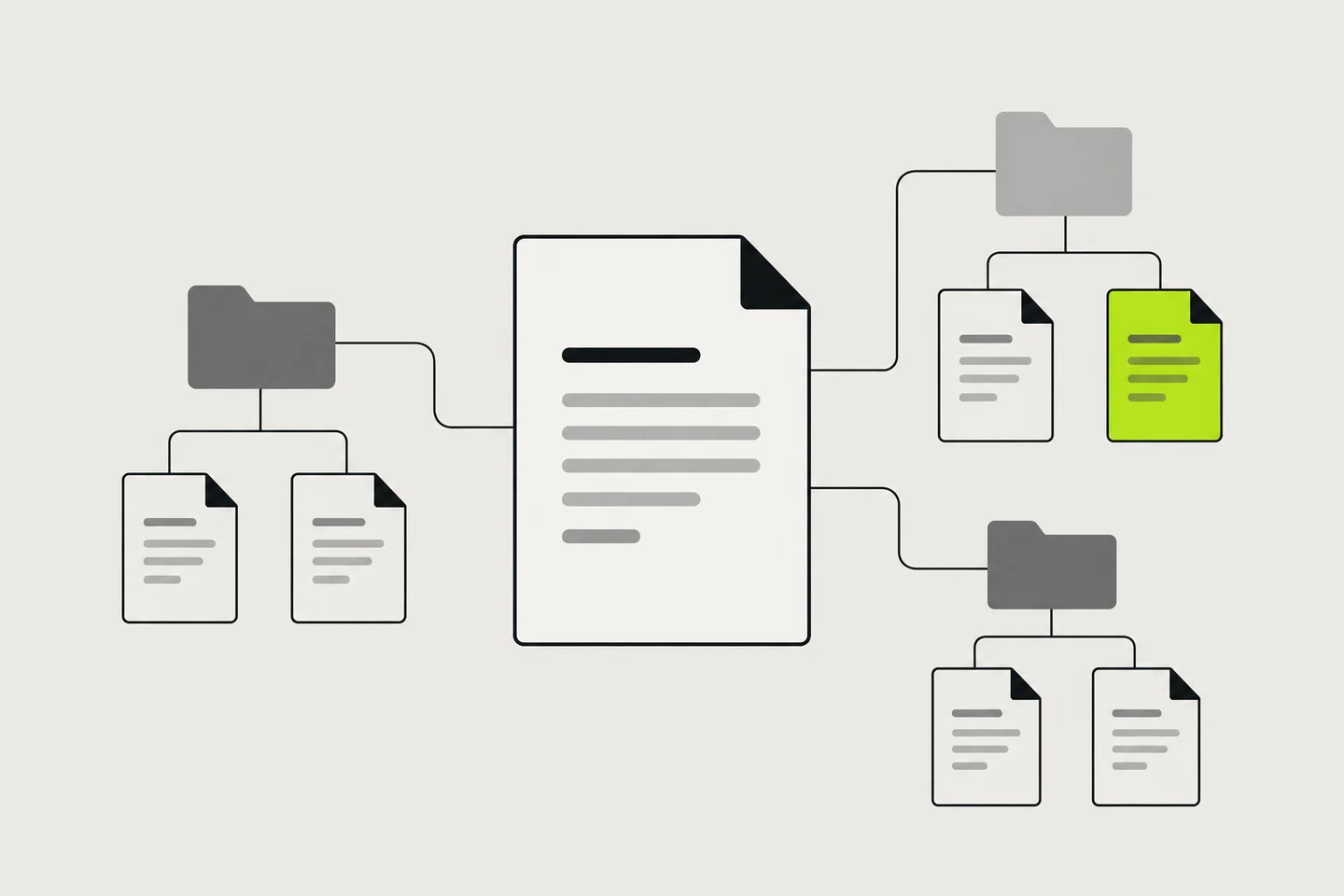
Organize what you give Claude before asking for something: instructions, files, tools, memory and examples of the result. Date the sources were checked: October 19, 2026. Below you can download the full PDF (in Spanish), the checklist and the audit prompt. The examples use a fictional project (Café Brisa Norte).
Base article: The new rules of context engineering for Claude 5 generation models (published July 24, 2026; the link redirects to a claude.dev address, and this guide relies on the documentation at code.claude.com).
1The "80%": what it means and what it doesn't
According to the article, Anthropic removed more than 80% of the Claude Code system prompt for models like Opus 5 and Fable 5, with no measurable loss in its internal evaluations. That's a company claim, without a defined measure and not replicated here.
It doesn't mean deleting 80% of your instructions: yours are a different layer (your conventions, gotchas and constraints), and a percentage doesn't tell obsolete lines apart from a safety constraint. The useful question, from the documentation: *"Would removing this line make Claude make mistakes?"* If not, it can go.
2The 5 changes
1. Fewer orders, more autonomy. Replace absolute style bans with the way of working you expect.
- Before:
NEVER write comments. NEVER write functions longer than 20 lines. - After:
Write code that follows the style of the surrounding code. Only comment what isn't clear from reading it. - Watch out: safety constraints stay.
2. Useful tools and interfaces. One well-designed tool beats ten examples.
- Before: 10 examples of how to call a script. After:
python registrar.py --ayudaand closed states (pending | in_preparation | delivered).
3. Context in files that are read when needed. A short CLAUDE.md (under 200 lines); procedures in skills; path rules for certain files.
- Watch out: importing with
@doesn't save context, imported content also loads at start.
4. Memory. Claude saves notes on its own (about you, corrections, decisions and references); keep what's stable in CLAUDE.md.
- You can see and turn it on with
/memory; settingautoMemoryEnabled; variableCLAUDE_CODE_DISABLE_AUTO_MEMORY=1. - Limits: only the first 200 lines or 25 KB of
MEMORY.mdare loaded; it's local to your machine; it isn't shared.
5. Concrete references. A mockup, a test or a rubric are worth more than a description.
- Before: "make me a nice orders page". After:
Reference: @mockups/pedidos.html. Must pass: @pruebas/pedido-completo.test.js. Review with @docs/rubrica-pagina.md.
3Where each thing goes
| What is it? | It goes in |
|---|---|
| Must be enforced no matter what | Permission or hook |
| Applies to everything | CLAUDE.md (short) |
| Only to certain files | Path rule (.claude/rules/) |
| A procedure | Skill with separate references |
| Reference material | docs/, referencias/ (with @) |
| Learned while working | Auto memory |
CLAUDE.md is context, not enforced configuration: anything critical goes in as a permission or hook.
4/doctor: what's verified
| Command | What it does according to the docs | Changes files |
|---|---|---|
/doctor | Configuration check (install, extensions, CLAUDE.md, permissions) | Reports and asks for confirmation |
claude doctor | Installation diagnosis in the terminal | No (read-only) |
/doctor prompt-audit [path] | Audits instructions; report with proposed edits | Not until you ask. Requires v2.1.283+ |
The article presents it as automatic simplification and mixes up the names; the documentation talks about a report and confirmation. There's no universal automatic cleanup. No command was run.
5Short CLAUDE.md template
# Café Brisa Norte: ordering website
## What it is
Website to order and pick up. A single location. Fictional sample data.
## Commands
- `npm run dev` · `npm test` (before calling something done) · `npm run lint`
## How to work
- Follow the style of the surrounding code.
- For changes across several files, summarize the plan and wait for my confirmation.
- When you finish, show the test output.
## Gotchas
- Prices live in `src/precios.ts`; they only change with the owner's approval.
- Pickup time uses the store's time zone.
## Safety (always kept)
- Never write keys; they're read from environment variables.
- Don't read or modify `.env` or customer data.
- No mass deletions or `git push` unless I ask.
## Details (read when needed)
- Delivery review: skill `revisar-entrega` · Order rules: `.claude/rules/pedidos.md`6Checklist: what to cut
- Duplicates: is the same rule in
CLAUDE.md, a skill and a path rule? - Contradictions: two incompatible instructions ("always ask" / "never interrupt")?
- Obsolete: files or commands that no longer exist, or rules written for older models?
- Unnecessary: things Claude can infer by reading the project, or lines like "write clean code"?
- Keep: safety, privacy, permissions and anything that can't be inferred from the code.
7Audit prompt (read-only mode)
Act as an instruction auditor in READ-ONLY MODE: don't modify, create, delete or install anything.
Folder: [PATH]. Review CLAUDE.md, CLAUDE.local.md, AGENTS.md, .claude/rules/, .claude/skills/.
1) Inventory: file, lines and when it loads. 2) Classify each instruction: duplicate, contradictory, obsolete (check by reading), unnecessary, necessary or safety.
3) For each finding: file and line, evidence and proposal (keep, rewrite as a working standard, move to a skill or rule, turn into a permission/hook, delete).
4) Never propose removing safety constraints. 5) If you can't check something, write "not verified". Don't apply changes: ask me which ones to approve.8Compare before and after
Save a copy of your instructions; pick 5–8 real, repeatable tasks; define acceptance criteria; run them 2–3 times before and after a single change, noting criteria met, corrections you made and context size (/context). If there's no improvement, that's a result too. Don't make up tests or testimonials.
Optional download
Want to keep it?.
You already read the full guide, no account needed. If you want the files on your computer, create your free account: it takes less than a minute.
- CONTEXTO-guia.pdf352 KB
- CONTEXTO-guia.md31 KB
- checklist-contexto.md2 KB
- prompt-auditoria-contexto.md3 KB
Your free account also gives you
- Downloads on every resource. The files of every guide, today's and the ones still to come, without asking again.
- Free courses. Learn step by step with video lessons and track your progress.
- Spanish-speaking community. Ask, share what you build and get answers from others who use AI like you.
- Live events. We let you know before each one so you don't miss it.
- Member card, points and ranking. Earn points for joining in and learning, and climb the ranking.
Already have an account? Log in
Andrés Gómez
Practical AI to create content, photos and brand. @andresgomez.ia
Keep going with

